Snap a recipe.
Get a list.
Clean. Smart. Simple. Everything you need to organize grocery lists—including AI that turns photos of recipes into organized lists.

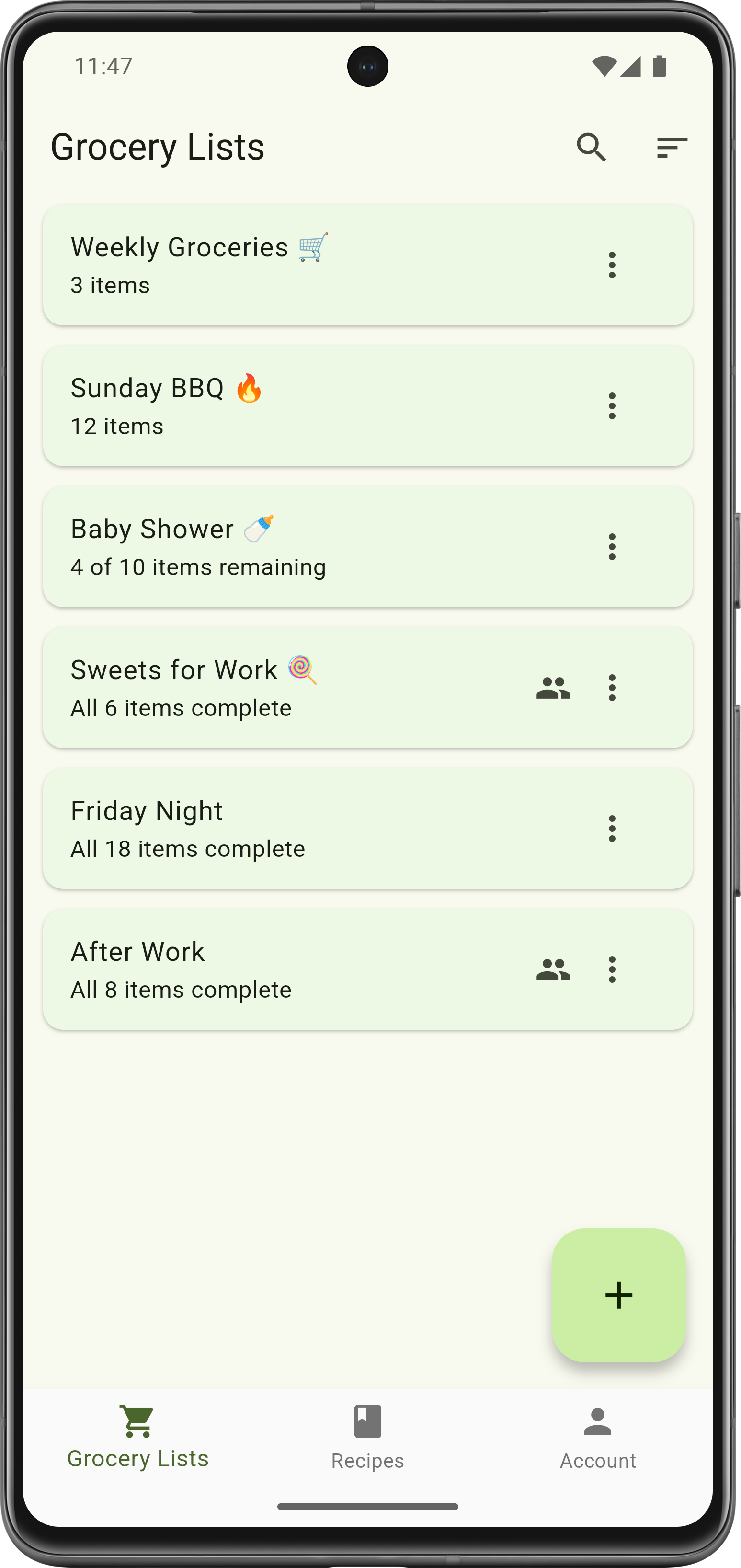
Clean. Smart. Simple. Everything you need to organize grocery lists—including AI that turns photos of recipes into organized lists.
The features that actually matter for grocery shopping
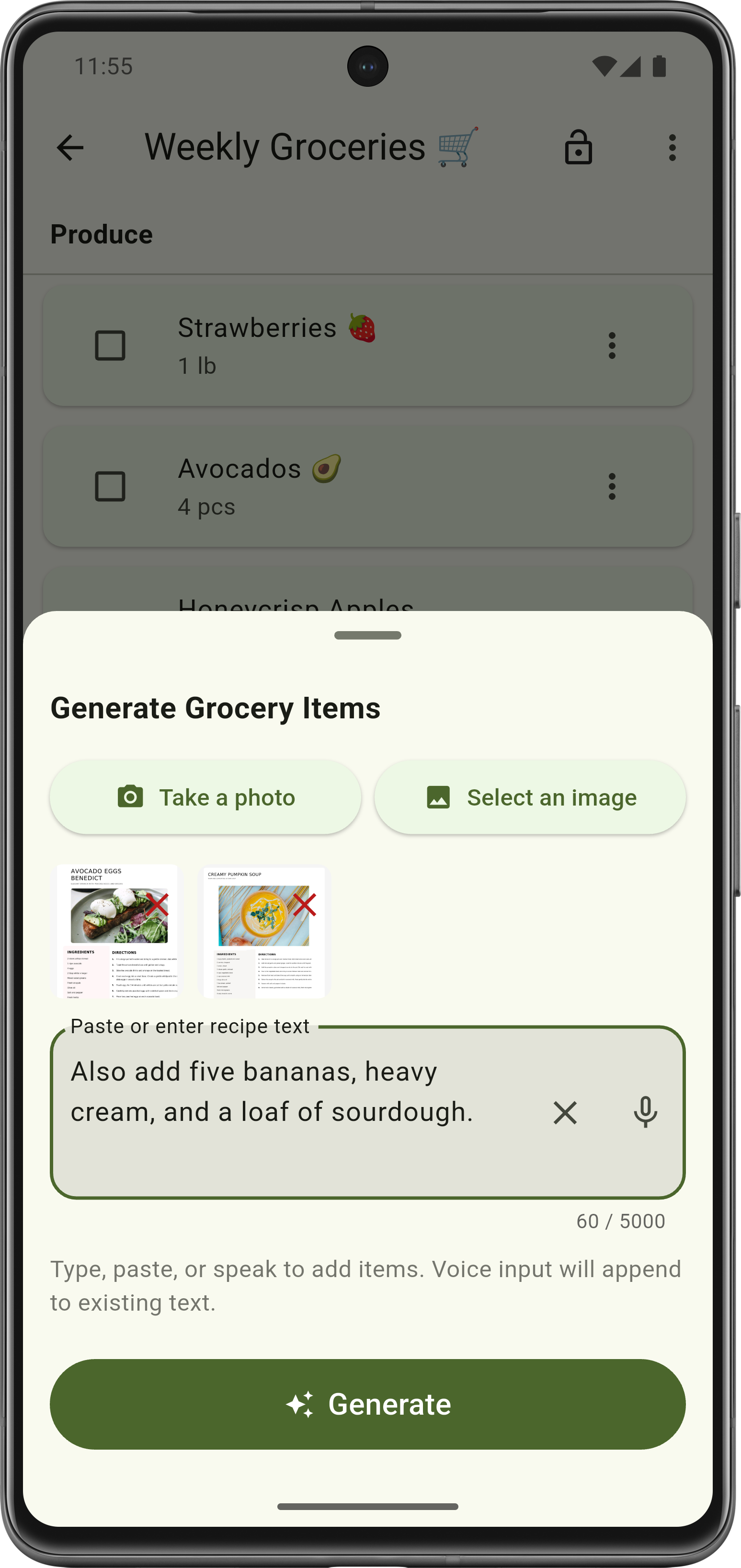
Snap a photo of a recipe. Screenshot a text from your partner. Paste ingredients from a website. Or just speak what you need. The AI figures it out, categorizes everything, and adds it to your list.
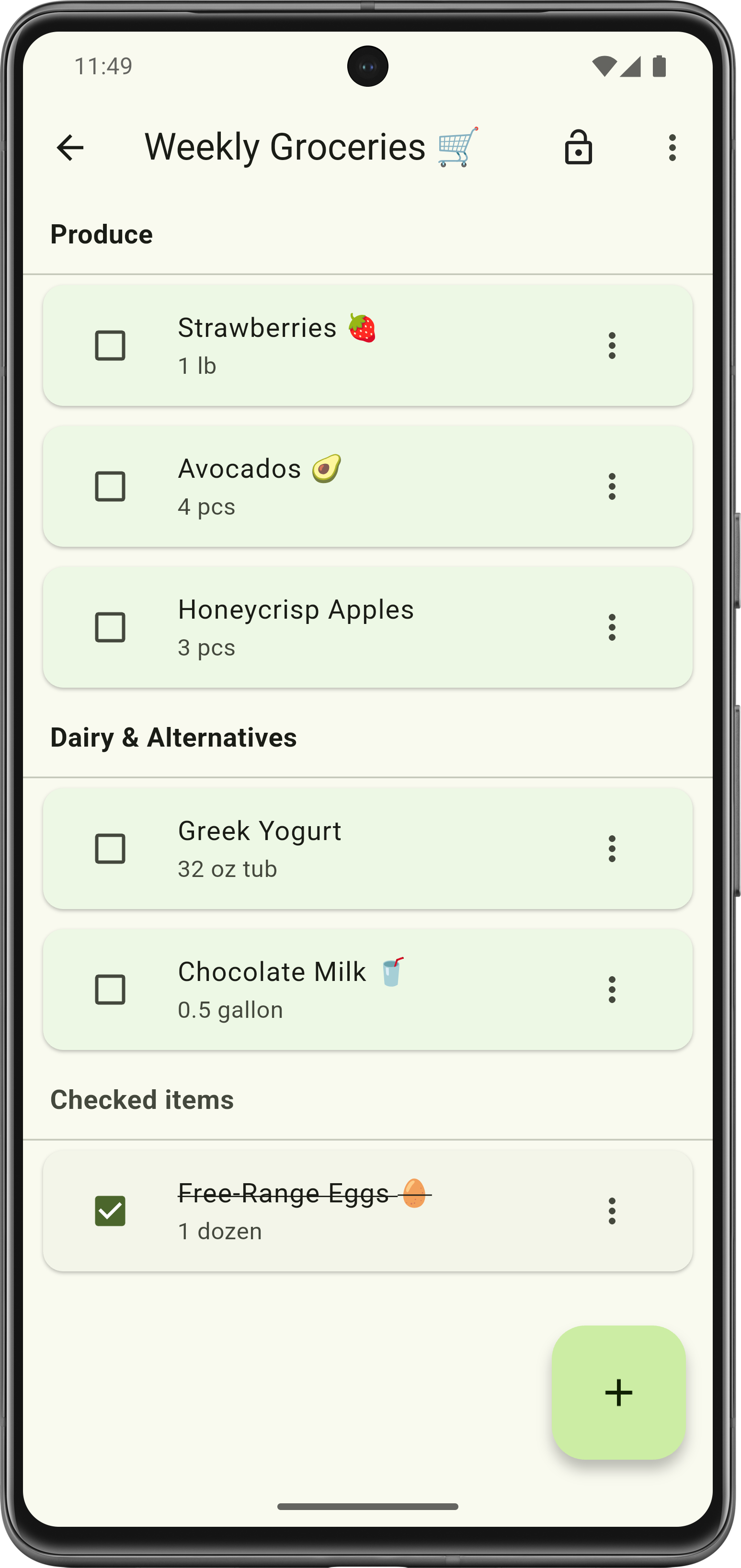
Items grouped by category. Drag categories to match your store's layout. Lock the list when shopping to prevent accidental edits. No nutritional databases or recipe suggestions—just a list that works.
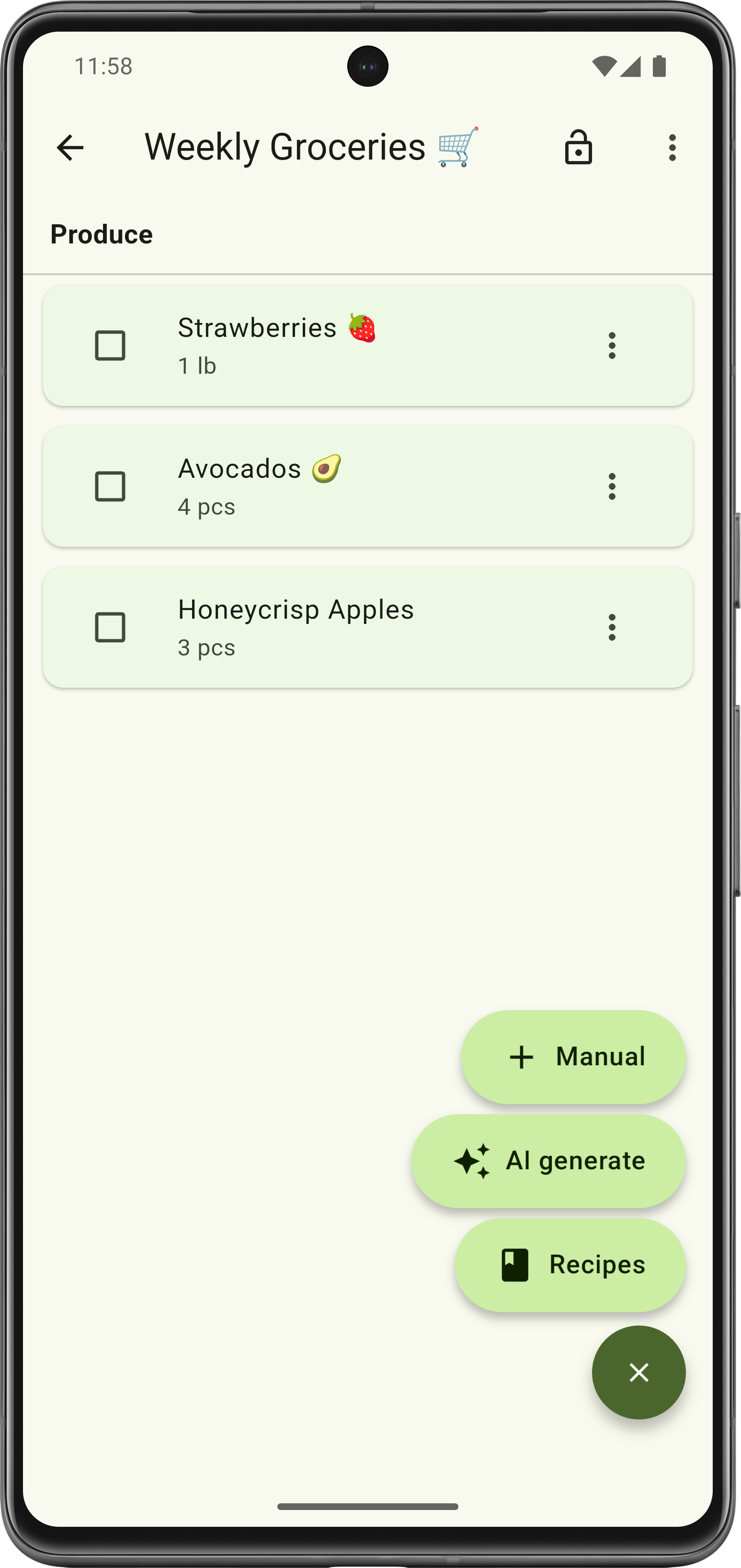
Tap the plus button and choose: add manually, use AI generation, or import from saved recipes. Simple, flexible, and always there when you need it.
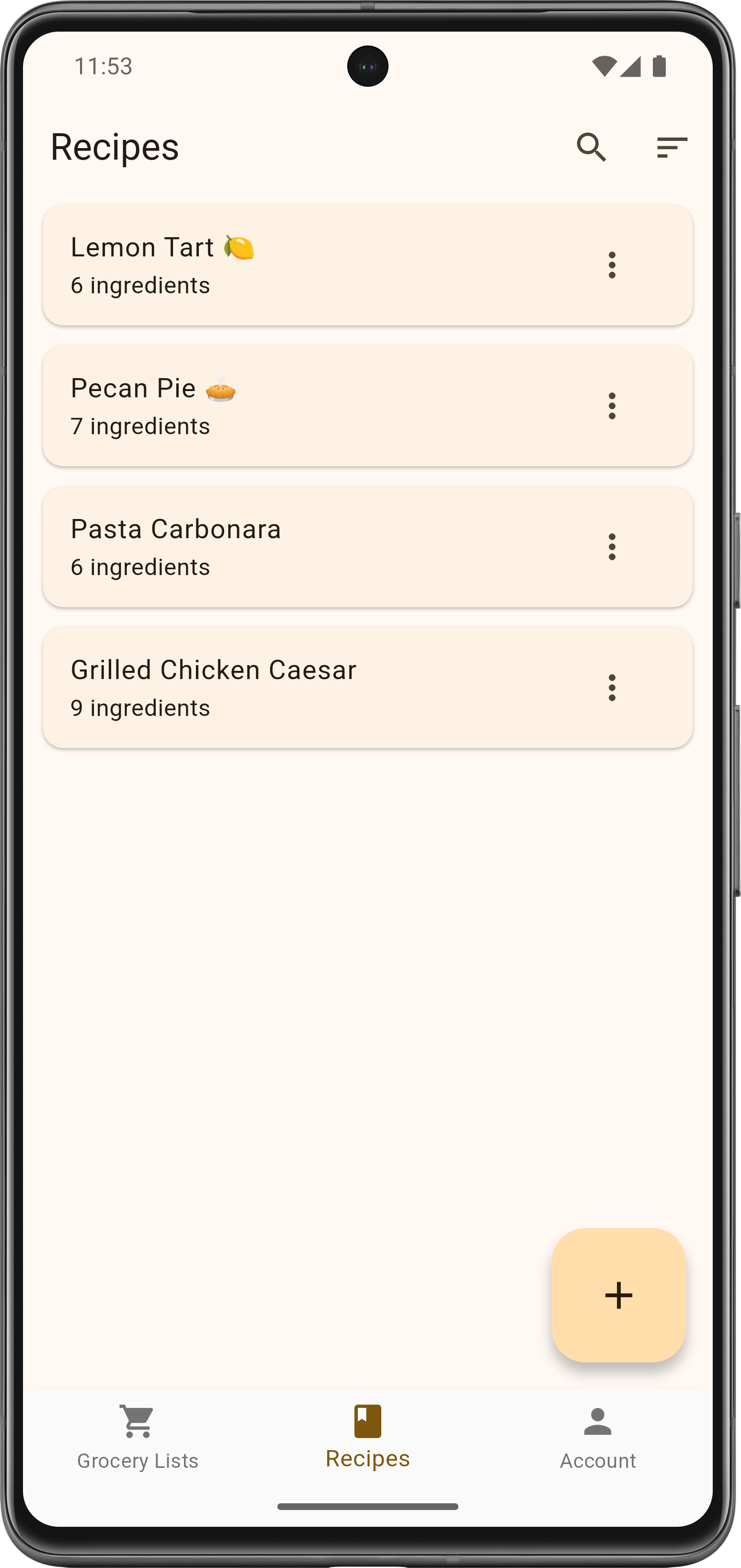
Create a recipe library the same way you make lists. When you're ready to cook, import one recipe or combine several—like 2 servings of pasta and 3 servings of salad. Items aggregate automatically.
Share any list with family or roommates. Everyone sees updates in real time. Perfect for coordinating who's grabbing what, or making sure nothing gets forgotten.
Type items manually, snap photos of recipes, speak what you need, or import from saved recipes. Whatever's easiest.
Items get automatically sorted into categories, duplicates merge together, and quantities aggregate. You can reorder categories to match your store.
Check items off as you go. Share with others if you need to. Lock the list so you don't accidentally tap things while shopping.